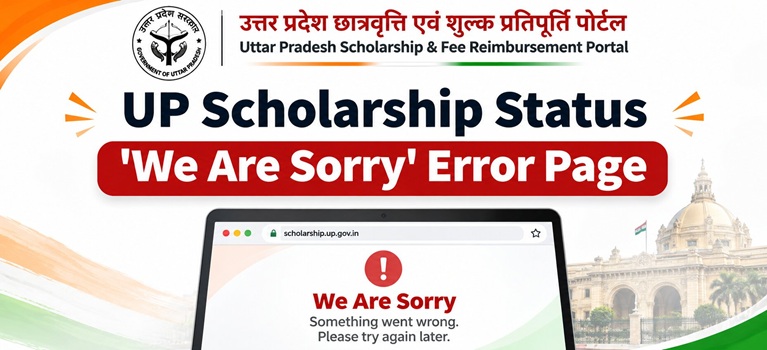

What Is the “We Are Sorry” Error
It is a server crash page. The scholarship.up.gov.in portal is hosted on NIC (National Informatics Centre) servers and receives millions of requests daily during peak scholarship season. When traffic spikes beyond what the servers can handle at that moment, they respond with a generic error page instead of loading the portal. The same thing happened during the 2025-26 cycle when the UP government later acknowledged that over three lakh students could not complete their forms due to portal crashes, and reopened the portal on 1 September 2026 specifically for those affected.
This is a server-side issue in most cases. It is not caused by anything wrong with your application or registration.
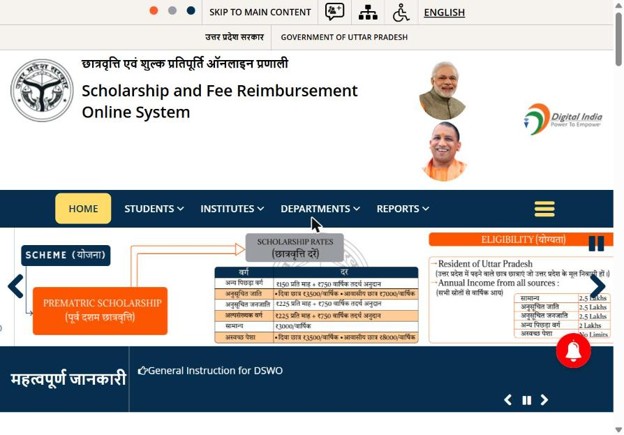
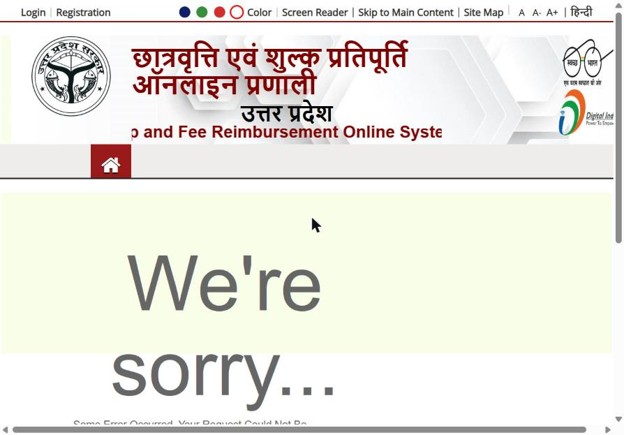
Other Causes Beyond Server Overload
The “We Are Sorry” page can also appear for reasons that you can fix on your side:
| Cause | What It Means |
| Server overloaded | Millions of students accessing the portal simultaneously; server cannot respond |
| Wrong registration number entered | The portal throws an error page instead of a “not found” message if the number is invalid |
| Browser cache conflict | Your browser is loading an old, broken version of the page from stored data |
| Using an unofficial or old URL | Old bookmarks or third-party links sometimes point to deprecated portal addresses |
| Repeated captcha failures | Multiple failed captcha attempts in one session can trigger the error page |
| Session timeout | Leaving the portal open for too long without activity causes the session to expire and the next action fails |

What to Do
Stop refreshing the page
This is important. Every time you hit refresh on a crashed server page, you are sending another request to servers that are already overwhelmed. This makes the situation worse for everyone on the portal. Close the browser tab completely instead.
Try at off-peak hours
The portal is significantly more stable between 11 PM and 5 AM IST when most students are not using it. If your deadline allows it, wait until late night or very early morning and try then. The portal almost always works during these hours even when it is completely inaccessible during the day.

Press Ctrl + Shift + Delete in Chrome or Firefox, clear all cached data and cookies, then open a completely new Incognito or Private window. Type the URL directly: scholarship.up.gov.in. Do not use a saved bookmark. This forces your browser to fetch a fresh copy from the server rather than loading a broken cached version.
Double-check your registration number
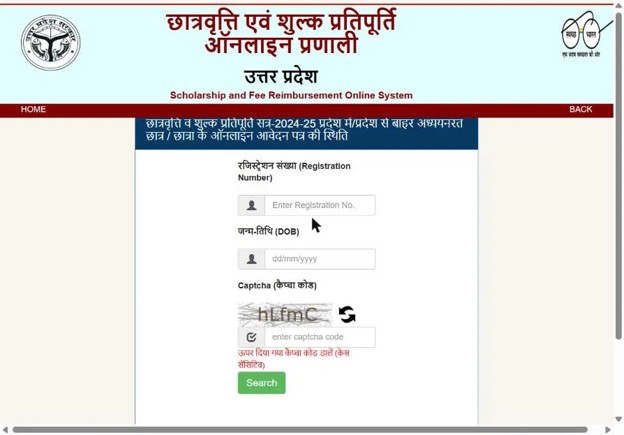
If the error appeared specifically after entering your details on the status check page, the registration number may be wrong. Copy it directly from your original application printout or PDF rather than typing it from memory. Confirm you are entering the correct year’s registration number. Fresh applicants should use their current year registration number; renewal applicants should use their renewal registration number.
Also Read: UP Scholarship Aadhaar Demographic Verification Failed – Causes, Fixes and Correction Window 2026-27
Switch to a different browser or device
If Chrome is showing the error, try Firefox or Edge. If a laptop is showing it, try a phone, or vice versa. Some browsers hold onto session data more stubbornly than others, and switching completely clears the problem.
If the portal was down during your submission or correction deadline
The UP government has previously reopened the portal for students who could not submit or correct their forms due to technical crashes. If the “We Are Sorry” error appeared precisely during your submission window and you have documented evidence (screenshots with timestamps), contact the UP Scholarship helpline and your institution’s nodal officer. The government has accepted these cases for portal reopening in past cycles.
UP Scholarship Helpline
UP Scholarship Helpline: 1800-180-5131 (Toll-Free)
CM Helpline: 1076
Official Portal: scholarship.up.gov.in
Also Read: NSP OTR Number Not Received After Face Verification – Causes and Fixes 2026-27
Frequently Asked Questions: UP Scholarship “We Are Sorry” Error
What does the “We Are Sorry” error page on scholarship.up.gov.in actually mean?
It means the NIC server hosting the portal could not process your request and returned an error page instead. This happens most commonly when server traffic is very high, such as near submission deadlines or when the correction window opens. It is not a problem with your application; it is a temporary server failure.
Will refreshing the page fix the “We Are Sorry” error on UP Scholarship?
No, and it makes things worse. Each refresh sends a new request to already overloaded servers, adding to the problem for everyone. The right step is to close the tab completely, clear your browser cache, and either wait a few hours or try again between 11 PM and 5 AM when the server is less busy.
Can a wrong registration number cause the “We Are Sorry” error?
Yes. If the registration number you entered on the status check page is incorrect, the portal can return the error page instead of a “not found” message. Copy the number directly from your application printout rather than typing it, and make sure you are using the correct year’s registration number.
What should I do if the portal showed “We Are Sorry” on the last day of my submission deadline?
Take a screenshot immediately with the date and time visible. Contact the UP Scholarship helpline at 1800-180-5131 and your institution’s nodal officer with this evidence. The UP government has previously reopened the portal for students affected by technical crashes. Keep your documents ready so you can apply the moment a reopening is announced.
Is there a time of day when the UP Scholarship portal works reliably?
Yes. Between 11 PM and 5 AM IST, the portal is significantly more stable as most students are not using it. If your deadline allows, complete your submission or status check during these hours. Avoid the period between 10 AM and 6 PM on working days, particularly near deadlines, when server crashes are most frequent.