
Why Does NSP OTR Face Authentication Fails?
| Error or Symptom | Cause | Fix |
| Error 904 | AadhaarFACERD app is outdated | Update from Play Store |
| Authentication loops or fails silently | Aadhaar biometric is locked | Unlock via mAadhaar or myAadhaar portal |
| App crashes or shows blank screen | Third-party or unofficial APK installed | Uninstall; reinstall only from Play Store |
| “Device not supported” message | Android version below 8.0, or iOS device | Use a supported Android 8.0+ smartphone |
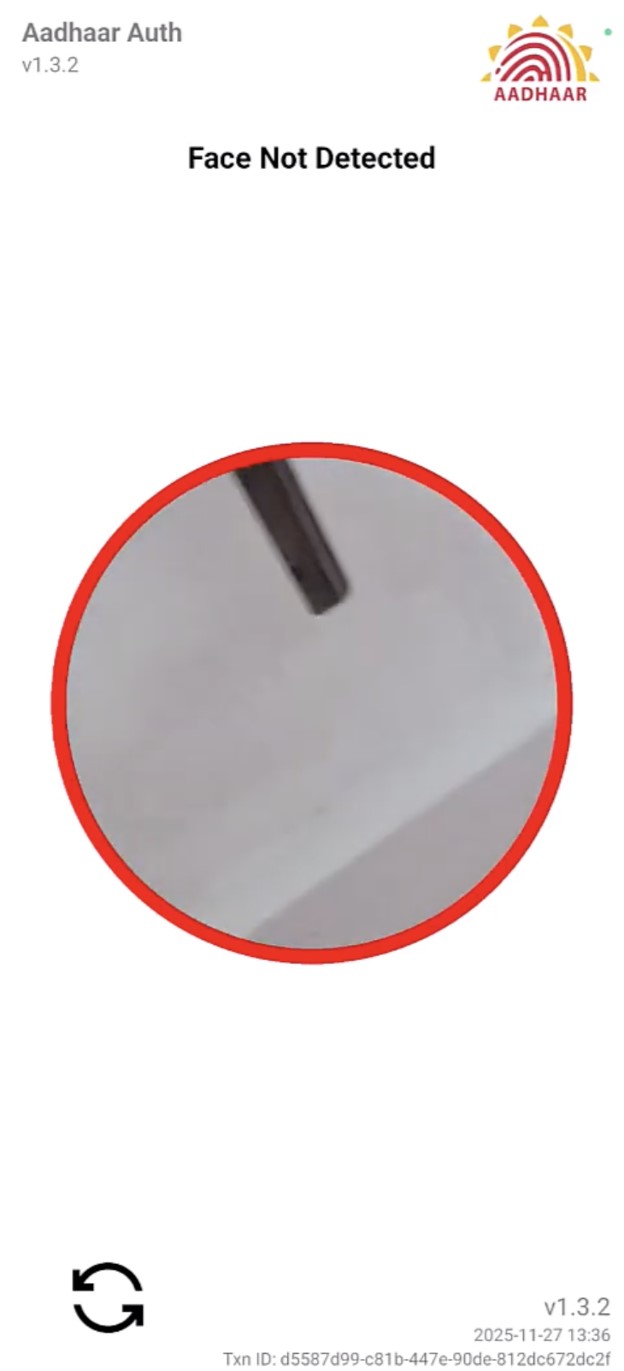
| Face not detected or Error 700 | Poor lighting or movement during scan | Use bright frontal light; hold the phone still |
Step-by-Step Fix for NSP OTR Face RD Authentication Failed
Step 1: Update the AadhaarFACERD App
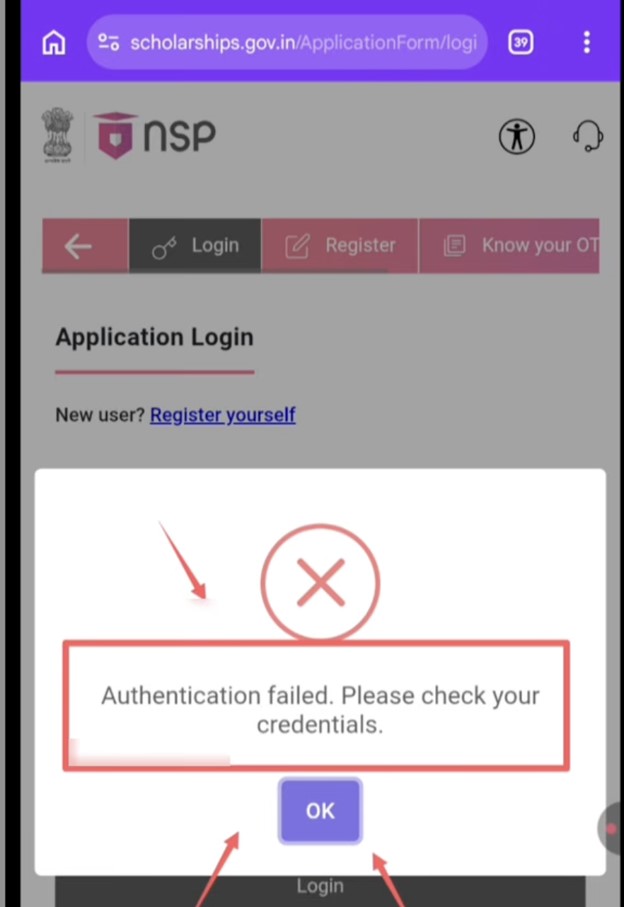
The NSP portal explicitly states: “If you are getting error 904 while doing face authentication, kindly update the UIDAI AadhaarFACERD App from PlayStore.”
1. Open Google Play Store on your Android phone.
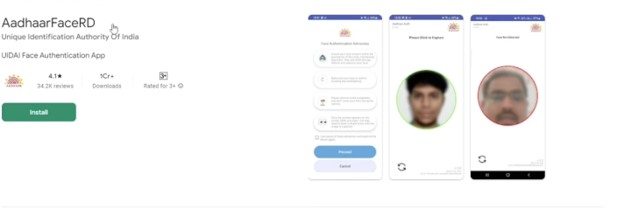
2. Search for AadhaarFaceRD and confirm the developer is Unique Identification Authority of India.
3. Tap Update. If only an Open button appears, the app is already current.

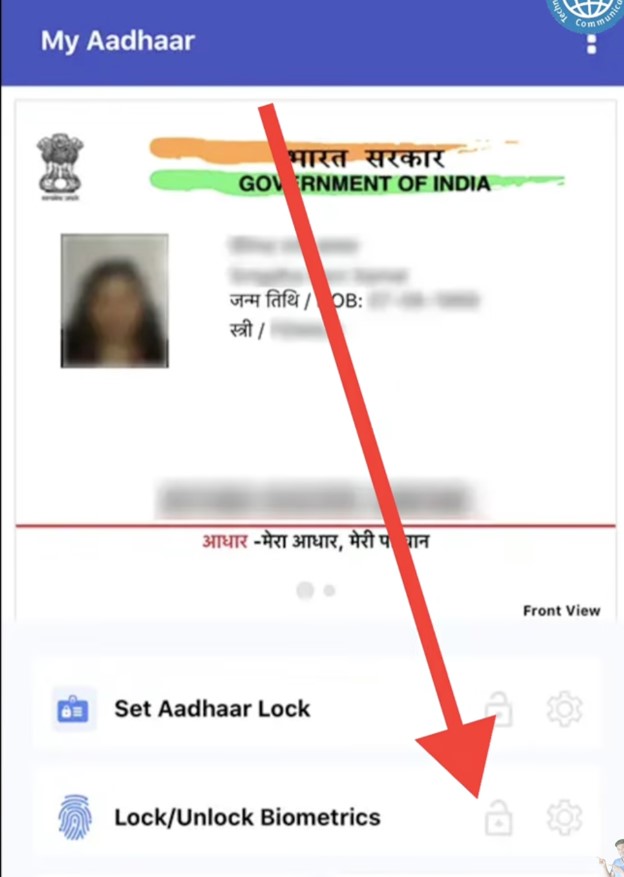
Step 2: Unlock Your Aadhaar Biometric
If your Aadhaar biometric is locked, face authentication fails regardless of app version. This is the second official cause confirmed by the NSP portal.
1. Open the mAadhaar app (by UIDAI) on your phone, or visit myaadhaar.uidai.gov.in in a browser.
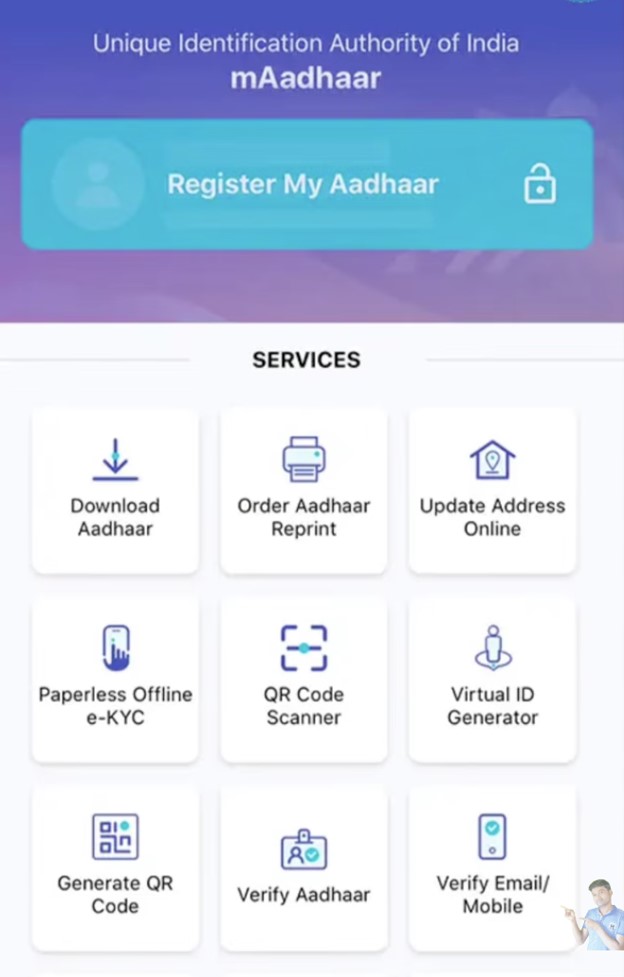

3. Go to Lock/Unlock Biometrics.
4. If the status shows Locked, tap Unlock and confirm with the OTP.
5. Wait at least 2 minutes after unlocking before retrying face authentication on NSP.
Step 3: Fix Camera and Environment Issues
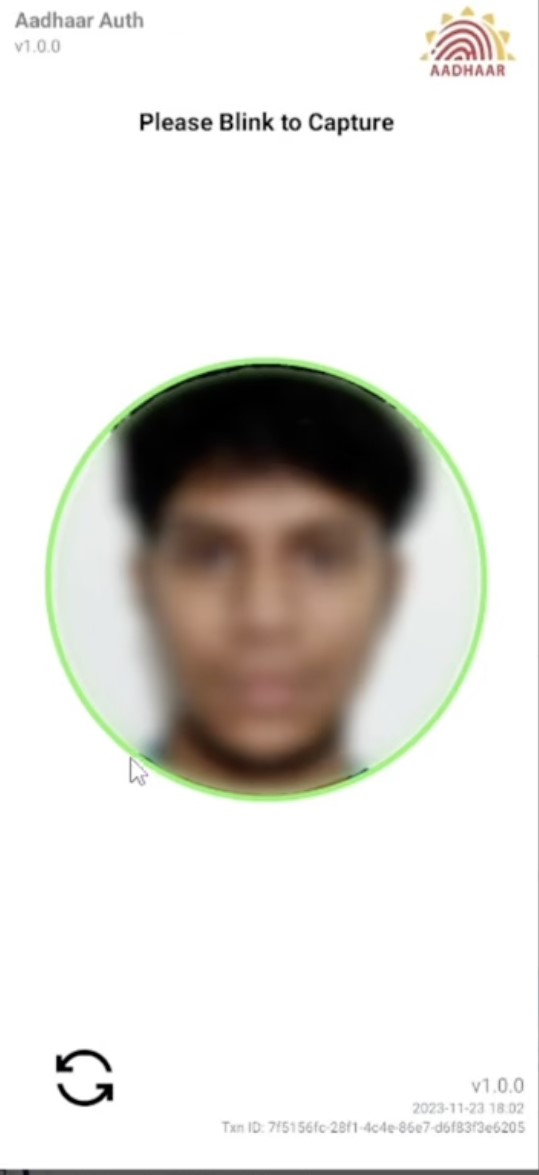
1. Sit facing a light source – do not have a window or lamp behind you, as backlighting causes the face to appear dark and fails the scan.
2. Remove spectacles, caps, masks, and any face coverings.
3. Hold the phone at eye level; do not tilt or turn your face.
4. Keep your face still and do not blink during the 2-3 second scan. Error 700 is caused by movement during capture.
5. Clean the front camera lens before starting.
Step 4: Retry Face Authentication in the NSP OTR App
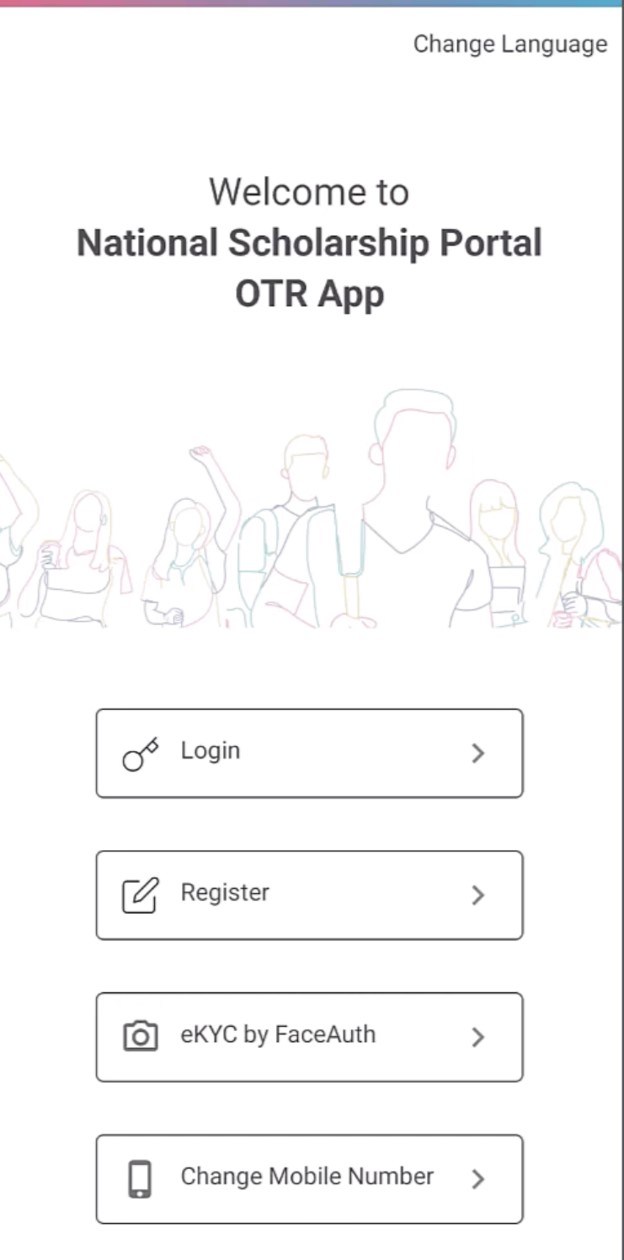
1. Open the NSP OTR App.
2. Tap eKYC with FaceAuth.
3. Enter your 12-digit Aadhaar number or Enrolment ID (EID).
4. Allow camera access when the app prompts.
5. Follow the on-screen face capture instructions without moving the phone.
Step 5: Check for Aadhaar Name or Date of Birth Mismatch
If face authentication succeeds but the registration is still rejected, the problem is a data mismatch – not a face RD error. A difference between the name or date of birth in your Aadhaar and your school records causes an OTR profile rejection. To fix this, visit an Aadhaar enrolment centre and update your Aadhaar details. Check your nearest centre at uidai.gov.in.
Cannot Fix It Yourself? Visit a CSC for ₹30
If all five steps fail, visit a nearby Common Service Centre (CSC). CSCs are authorised by the government to complete the entire NSP OTR process – Reference Number generation, face authentication, OTR number generation, and application form submission – for a fixed fee of ₹30 per candidate (inclusive of all taxes). Locate your nearest CSC at locator.csccloud.in.
NSP Helpdesk
If the issue persists after trying all steps and visiting a CSC, contact NSP directly:
Phone: 0120-6619540
Email: helpdesk@nsp.gov.in