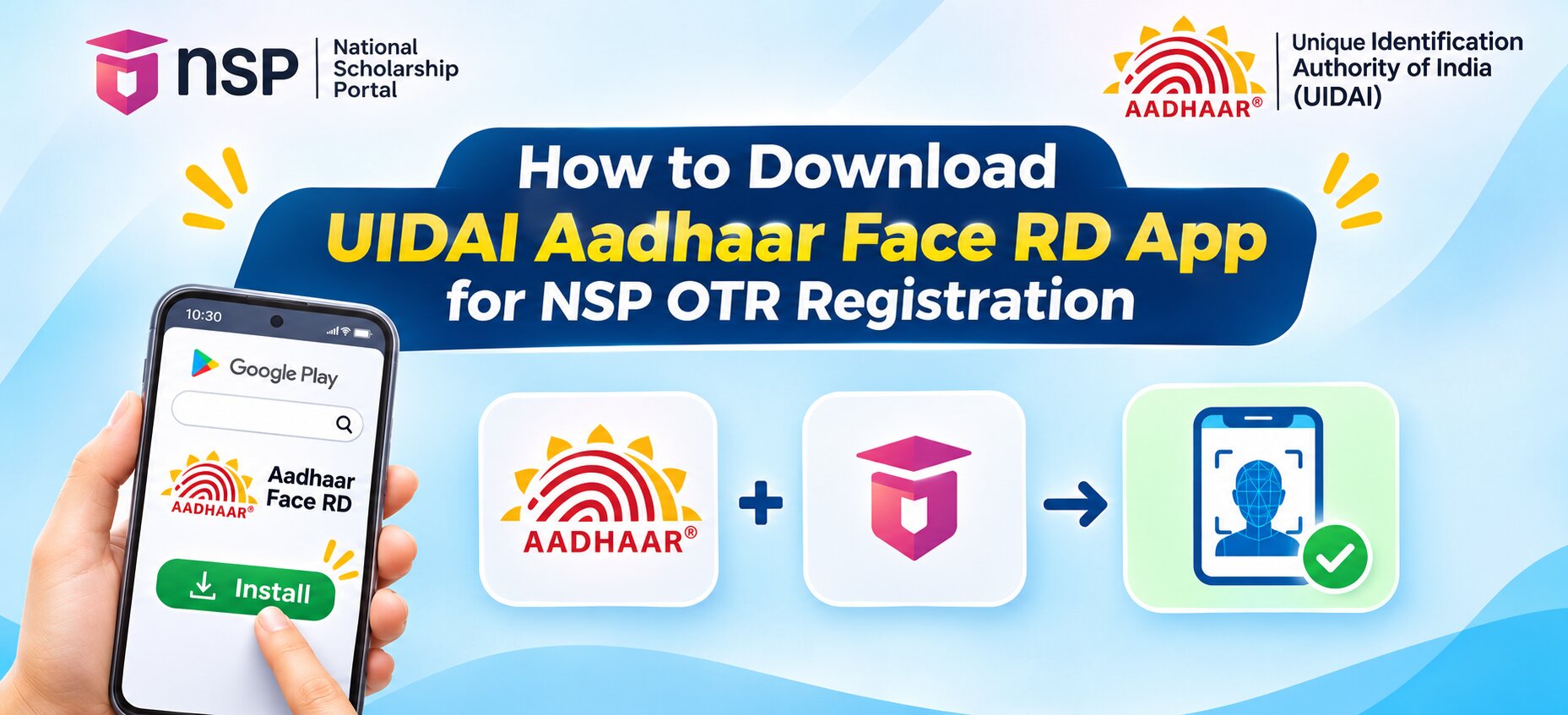

What Is the UIDAI Aadhaar Face RD App?
The Aadhaar Face RD app is a background face authentication service developed by the Unique Identification Authority of India (UIDAI). It runs silently in the background and is activated only when a supported government application, such as the NSP OTR app, requests Aadhaar-based face verification. The app does not have a home screen icon or a user-facing dashboard. This is by design and not an installation error. Once installed, it is triggered automatically by the NSP OTR app during the face authentication step.
No external biometric device is required. The app uses the front camera of the Android device to capture the face and match it against the image stored in UIDAI’s Central Identities Data Repository (CIDR).
Apps Required for NSP OTR Face Authentication
Two apps must be installed on the same Android device before beginning face authentication:
| App | Developer | Purpose |
| Aadhaar Face RD | UIDAI (Unique Identification Authority of India) | Background service that captures and authenticates the face via UIDAI |
| NSP OTR | National Informatics Centre | Main app for OTR registration; triggers the Face RD service |
Minimum Device Requirements
1. Android version 9 (API level 28) or higher
2. Non-rooted Android device

4. RAM of 4 GB or above
5. Internet connection active during authentication
6. At least 500 MB of free storage space
How to Download the UIDAI Aadhaar Face RD App
The official download route published by UIDAI is through the Google Play Store. Do not download the app from any unofficial APK website.

Step 2: In the search bar, type AadhaarFaceRD and search. The correct app is published by the Unique Identification Authority of India and the package name is in.gov.uidai.facerd.
Step 3: Tap “Install” and wait for the download and installation to complete.
Step 4: Once installed, do not look for a home screen icon. The app runs as a background service and will not appear as a launchable application. This is normal.
The direct Google Play link provided by UIDAI is: https://play.google.com/store/apps/details?id=in.gov.uidai.facerd
Also Read: How to Change Bank Account Details in NSP After Final Submission
How to Download the NSP OTR App
Step 1: In the Google Play Store, search for NSP OTR.
Step 2: The correct app is published by National Informatics Centre. The package name is in.gov.scholarships.nspotr.
Step 3: Tap “Install” and wait for installation to complete.
The direct Google Play link is: https://play.google.com/store/apps/details?id=in.gov.scholarships.nspotr
How to Use Both Apps Together for NSP OTR Face Authentication
Once both apps are installed, follow these steps from within the NSP OTR app:
1. Open the NSP OTR app and select “eKYC with FaceAuth”
2. Enter the Reference number received after the initial e-KYC step
3. Enter the OTP sent to the Aadhaar-registered mobile number
4. Click “Proceed for Face Authentication”
5. The Aadhaar Face RD app is automatically invoked in the background
6. Stand in a well-lit area, hold the device at eye level, and keep the face still
7. On successful face authentication, the 14-digit OTR number is generated and displayed on screen, and also sent via SMS
Fixing Error 904 During Face Authentication
The official NSP portal (scholarships.gov.in) has published a direct notice: “If you are getting error 904 while doing face authentication, kindly update UIDAI AadhaarFACERD App from PlayStore.” This error occurs when an outdated version of the Aadhaar Face RD app is installed.
1. Open the Google Play Store and search for AadhaarFaceRD
2. If an “Update” button is visible, tap it and wait for the update to complete
3. Re-open the NSP OTR app and retry face authentication
If Aadhaar Biometrics Are Locked
The NSP portal has also announced that face authentication will fail if Aadhaar biometrics are locked. Before attempting authentication, visit myaadhaar.uidai.gov.in or open the Aadhaar app to check and unlock the biometric lock under “Lock/Unlock Biometric.”
Also Read: NSP OTR Number Not Received After Face Verification – Causes and Fixes 2026-27